Welcome to WordPress! This is a sample post. Edit or delete it to take the first step in your blogging journey. To add more content here, click the small plus icon at the top left corner. There, you will find an existing selection of WordPress blocks and patterns, something to suit your every need for content creation. And don’t forget to check out the List View: click the icon a few spots to the right of the plus icon and you’ll get a tidy, easy-to-view list of the blocks and patterns in your post.
-
-
Welcome to WordPress! This is a sample post. Edit or delete it to take the first step in your blogging journey. To add more content here, click the small plus icon at the top left corner. There, you will find an existing selection of WordPress blocks and patterns, something to suit your every need for content creation. And don’t forget to check out the List View: click the icon a few spots to the right of the plus icon and you’ll get a tidy, easy-to-view list of the blocks and patterns in your post.
-
Welcome to WordPress! This is a sample post. Edit or delete it to take the first step in your blogging journey. To add more content here, click the small plus icon at the top left corner. There, you will find an existing selection of WordPress blocks and patterns, something to suit your every need for content creation. And don’t forget to check out the List View: click the icon a few spots to the right of the plus icon and you’ll get a tidy, easy-to-view list of the blocks and patterns in your post.
-

Welcome to WordPress! This is a sample post. Edit or delete it to take the first step in your blogging journey. To add more content here, click the small plus icon at the top left corner. There, you will find an existing selection of WordPress blocks and patterns, something to suit your every need for content creation. And don’t forget to check out the List View: click the icon a few spots to the right of the plus icon and you’ll get a tidy, easy-to-view list of the blocks and patterns in your post.
-
VFX Animation
Houdini Introduction
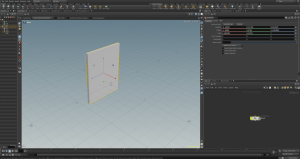
In this class we had a brief introduction to the soft wear Houdini, Houdidni
a {
text-decoration: none;
color: #464feb;
}
tr th, tr td {
border: 1px solid #e6e6e6;
}
tr th {
background-color: #f5f5f5;
}f you mean Houdini (the 3D/VFX software), a node is a fundamental building block in Houdini’s procedural workflow.
A node is an operation that:
- Creates, modifies, or processes data.
- Takes inputs from other nodes.
- Produces outputs that can be passed to additional nodes.
- Has parameters that control its behavior.
For example:
- A Box node creates a cube.
- A Transform node moves, rotates, or scales that cube.
- A Subdivide node adds more geometry detail.
These nodes are connected together in a node network, where the output of one node becomes the input of the next. This allows you to build complex effects and models procedurally and make changes at any stage of the workflow.
In short: A node in Houdini is a self-contained operation that processes data and connects with other nodes to create a procedural system.
Provide your feedback on BizChat
-
Introduction to Visual Narratives
This module introduces us to narrative and storytelling positives; we looked at what we will be covering for this part of our course and what learning outcomes are expected of us, as well as shaping us up for assessments. Next, we will be assessing the idea of narratology and how narrative reflects photography. Results of this, will endeavour us to recognise the narratives we will read in photographic projects/photographs in hope to achieve our visual narrative projects.


After our introduction we was instructed to take photos of each other to get a feel of the camera and lighting
Week two – Introduction to Photography
Photography is everywhere in our day-to-day lives we actively see photography such as art and documentation
Camera Basics
Exposure -refers to how much light is captured within a cameras sensor, this is why we can see shadows and highlights etc depending on the brightness of the exposure
Aperture – is how open a camera lens appears, results of this indicate how much light enters the camera
ISO – the art of a cameras sensors sensitivity to light, this then indicates how much noise levels and brightness a photograph will obtain.
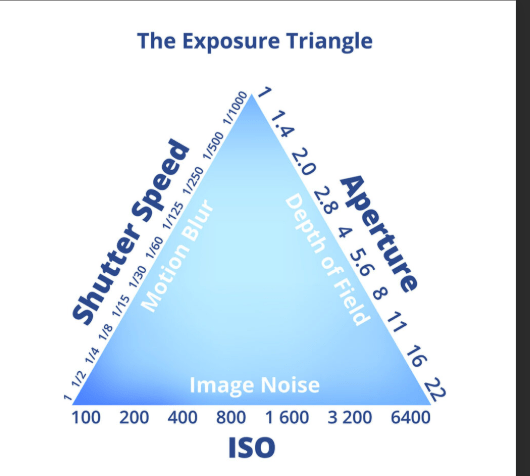
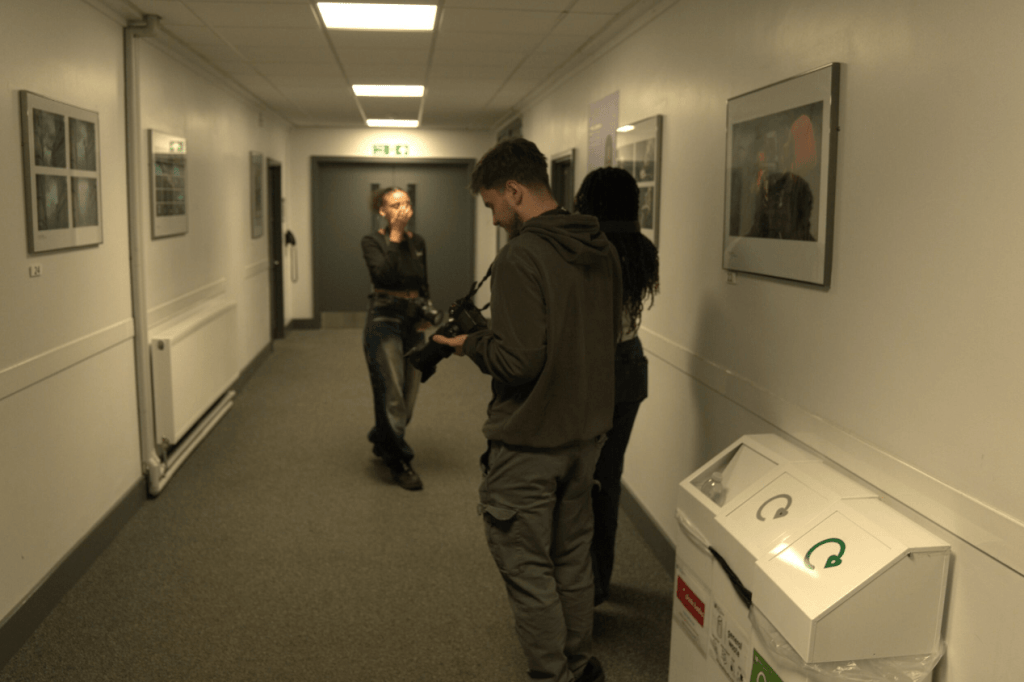
For this task we was learning how to identify shutter speed and how to take low and high shutter speed images, when you shoot on low shutter speed the camera sensor is exposed to light during longer periods anything that moves even slightly moves is blurred this is what we call motion blur.
High shutter speed
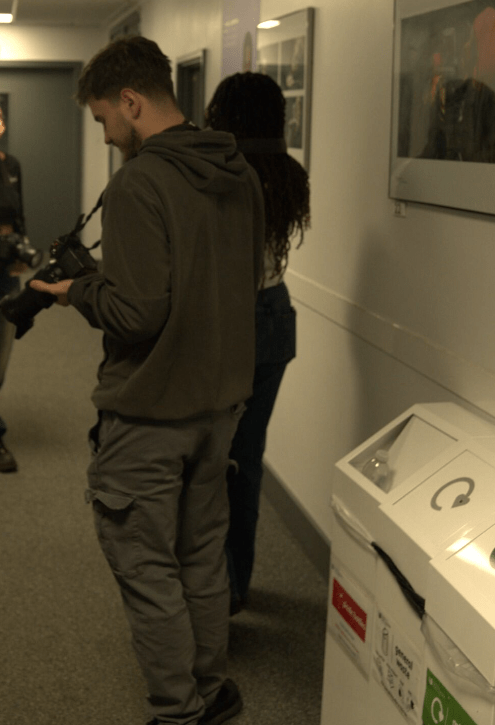
Low shutter
-
Introduction to VFX Toolbox
Working with Alphas, Layers and Transparency
In this lesson we start of with these individual images and import them into the software aftereffects…
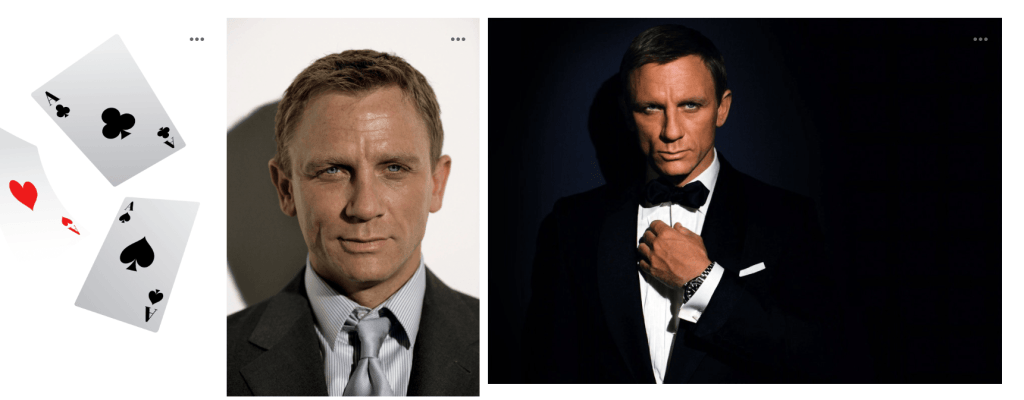
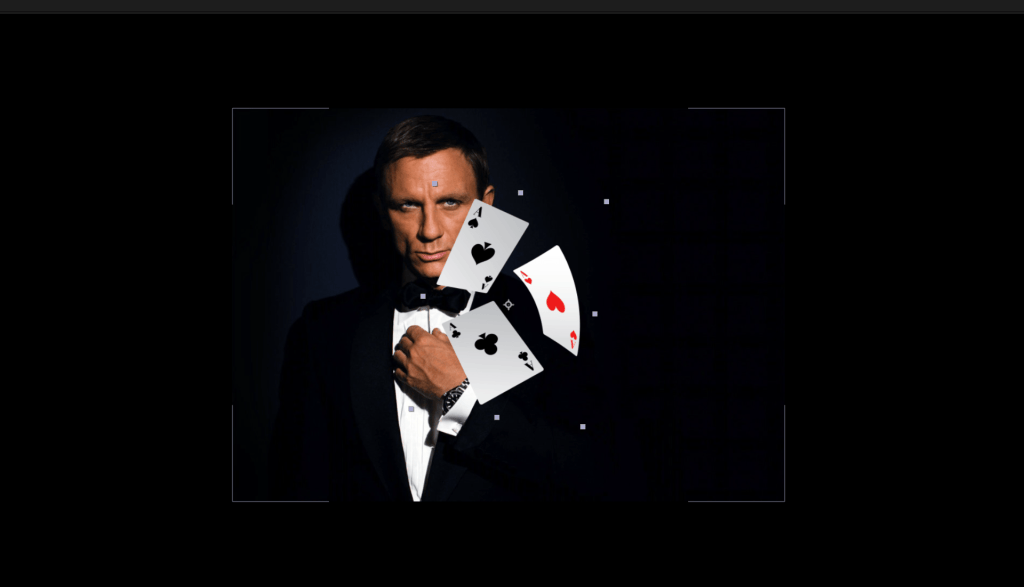
Next we start off with this individual image and blend actor Daniel Craig with the cards like so…


-
Working with Alphas, Layers and Transparency
In